

































Moflow+

Connect your brokerage. It stays in sync.

Read-only: Moflow never trades, never moves money and never receives your broker sign-in details.

Try Moflow+

Moflow+ · $199 per year

  1. Updated for you

    Moflow updates connected accounts every day.
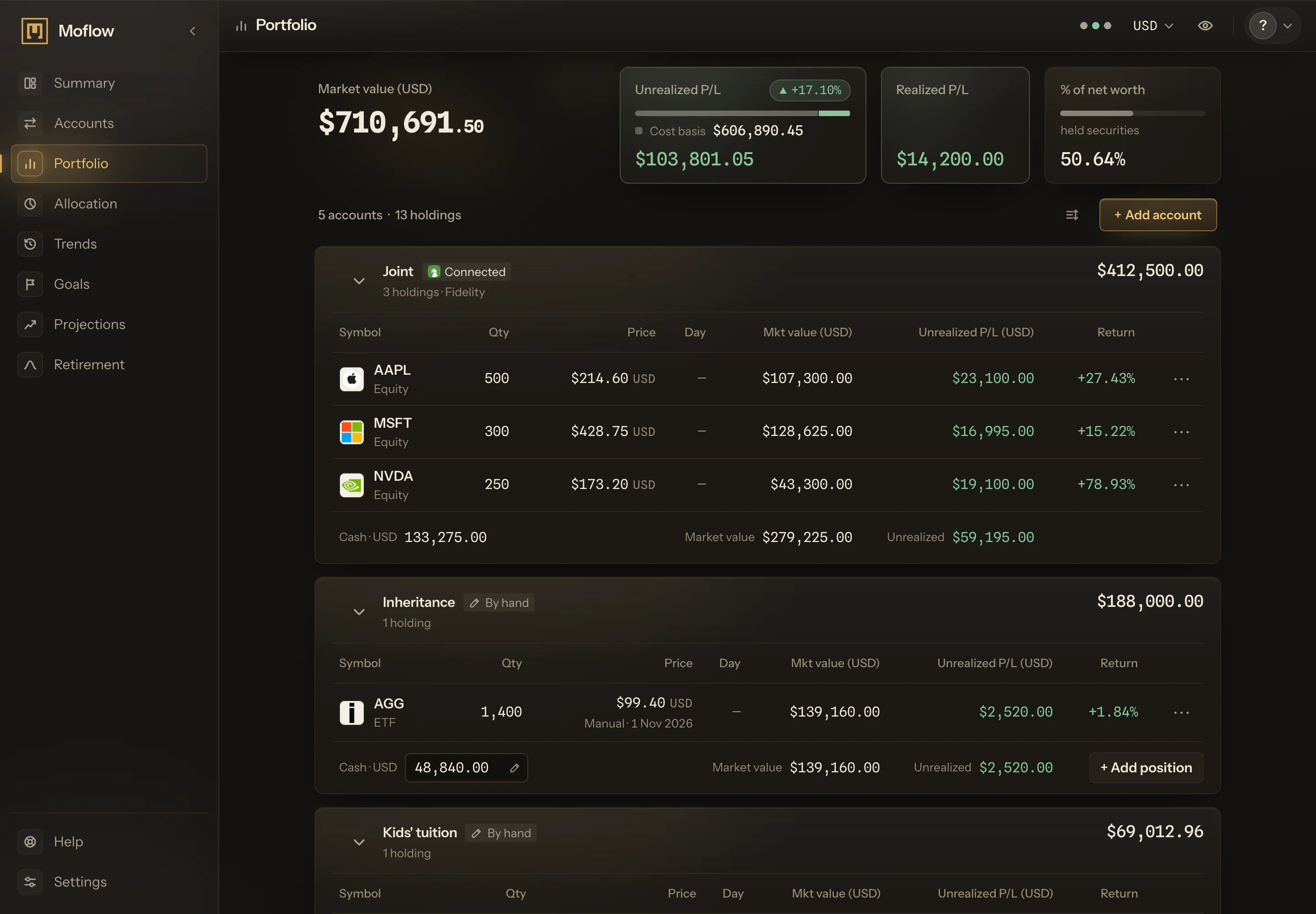
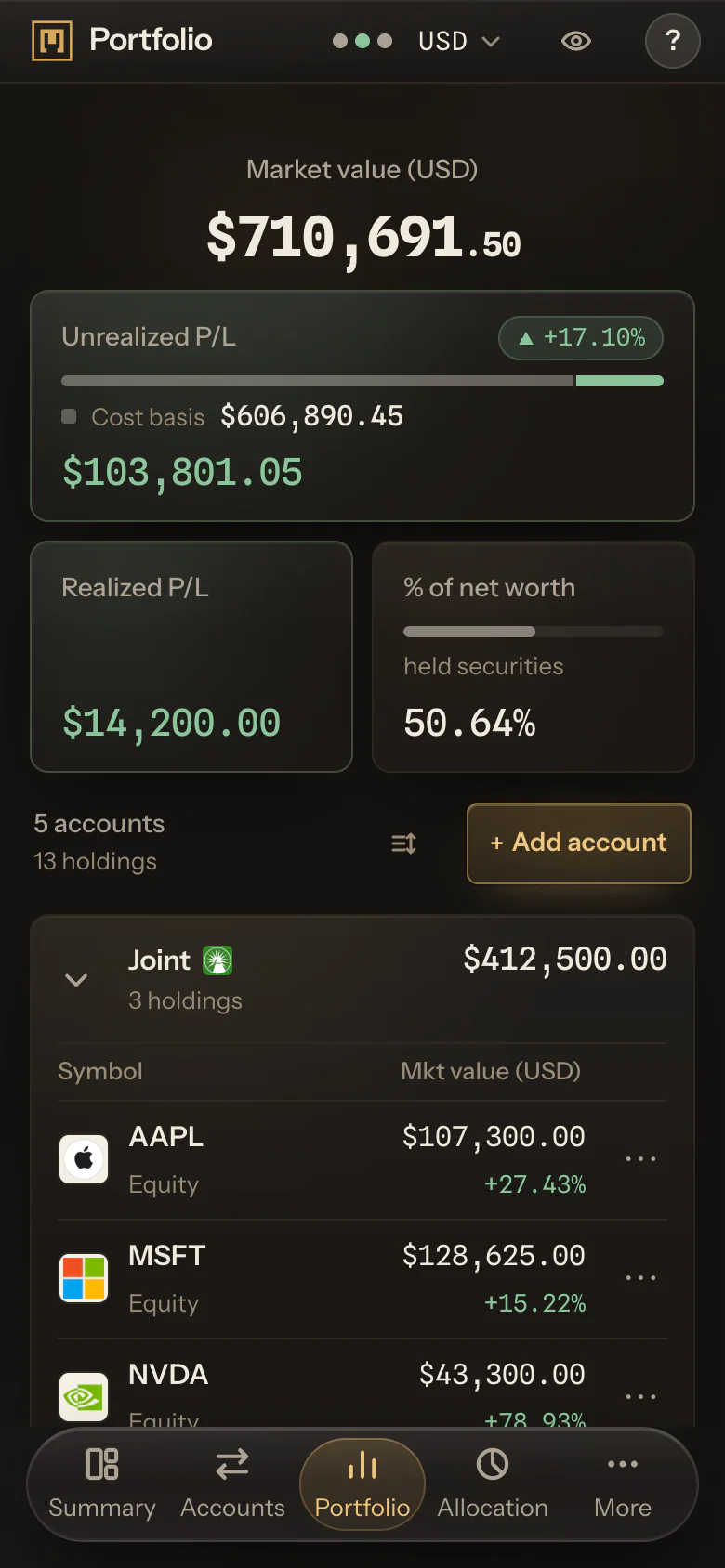
    In the frame, a sample connection sits in the accounts list beside accounts kept by hand. Connect your brokerage once, and its accounts arrive in Moflow with their positions, cash and balances.

    They sit in the same list as the accounts you keep by hand, and count in the same total. No more typing in positions after a statement arrives.

    A connected account counts in Portfolio, Allocation and your net worth once its figures arrive. Connecting happens in Settings, under Brokerages, and one brokerage can bring in more than one account.

    A connected account's name, category and target balance stay yours to set; its type and currency come from the brokerage.

    Connected and by-hand accounts sit together. A brokerage account in US dollars, a pension kept by hand in pounds and a savings account in euros share one list and one net worth, in the display currency you pick.

  2. Dated by your broker

    Positions and cash, as your broker last reported them.

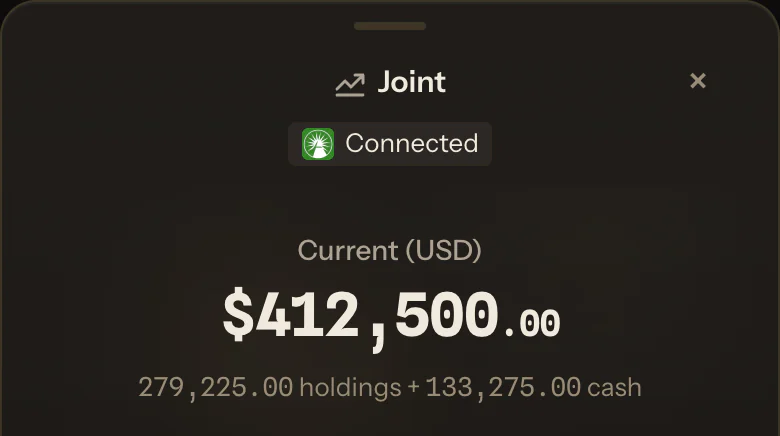
    In the frame, the card reads Read-only connection, names the brokerage and offers Manage connection. A connected account names its brokerage and says it is read-only; where the brokerage dates its prices, it shows when.

    Moflow shows positions and cash as your broker sent them.

    When a brokerage's accounts take time to come through, Moflow says it is waiting for them and adds them when they arrive. If a connection breaks, the account says so and keeps its last figures, which you can update by hand until it is reconnected.

  3. Broker or market price

    Connected accounts update once a day.

    A connected share or fund shows whichever price is newer: your broker's last report or the market price.

    Its holdings sit in Portfolio and Allocation beside the ones you record, in the same totals, by their own asset classes and currencies.

    A connected holding's cost comes from the brokerage too. When the brokerage reports no cost, Moflow shows the price instead, and the gain reads as zero until a cost arrives.

    Disconnect, and the account can stay with its last figures, kept by hand from then on. If Moflow+ ends, a connected account stays the same way.

A worked example: one connected account, one kept by hand

One brokerage, one savings account, two currencies. A US dollar brokerage account connects and reports 30,000 USD of positions and 2,000 USD of cash. A savings account in Canadian dollars stays by hand, at 25,000 CAD.

In a Canadian dollar display, at 1.40, the brokerage reads 44,800 CAD and the total 69,800 CAD.

Say the positions are 100 shares of a fund at 300 USD. When the fund's price next updates to 310 USD, the position reads 31,000 USD, the brokerage 46,200 CAD and the total 71,200 CAD, with nothing typed. The savings account changes when you change it.

In Allocation, the brokerage's positions count by their own asset classes and in US dollars, beside the savings account's 25,000 CAD of Cash & Equivalents.

Disconnect the brokerage, and its account can stay at 46,200 CAD, kept by hand from then on. Nothing in the example moved money: the brokerage reported, and Moflow read it. These rates are for illustration only.

Which brokerages connect?

Moflow+ connects the brokerages listed above. Not on the list? Add it by hand, and it counts in the same total.

Can I connect my bank?

No. Moflow+ connects brokerages, not banks. A bank account is added by hand, with a name, a currency and the balance on your statement, and counts in the same total as a connected one.

You update it when you choose.

Can Moflow trade or move my money?

No. Moflow reads from your brokerage: it never trades and never moves money. It receives positions, cash, balances and the deposits your broker reports, and the type and currency of the accounts they sit in.

It never receives your broker sign-in details.

How often do connected brokerage accounts update?

As current as your broker's last report; where the brokerage dates its prices, the account shows when. Figures update once a day on their own, so there is nothing to press.

Moflow never presents a figure as newer than its report. Prices can be about a trading day behind the market.

Can I see my brokerage accounts in one place?

Yes. Connected accounts from the brokerages on the list sit beside the ones you keep by hand, in one total and one display currency. An account keeps its own currency, and the total converts it.

What happens if I disconnect?

You choose what happens to the account. Keep it, and its last positions, cash and balances stay, edited by hand from then on.

Delete it, and it leaves your ledger; months you have already confirmed keep the figures they were confirmed with. Either way, Moflow stops reading the account, and the access you granted for it is ended.

You can reconnect later, in Settings, under Brokerages.

The ledger is free. Moflow+ connects it.

Disconnect any time, and the account can stay, kept by hand.

Try Moflow+

Moflow+ · $199 per year