Moflow+

Trends: your net worth over time.

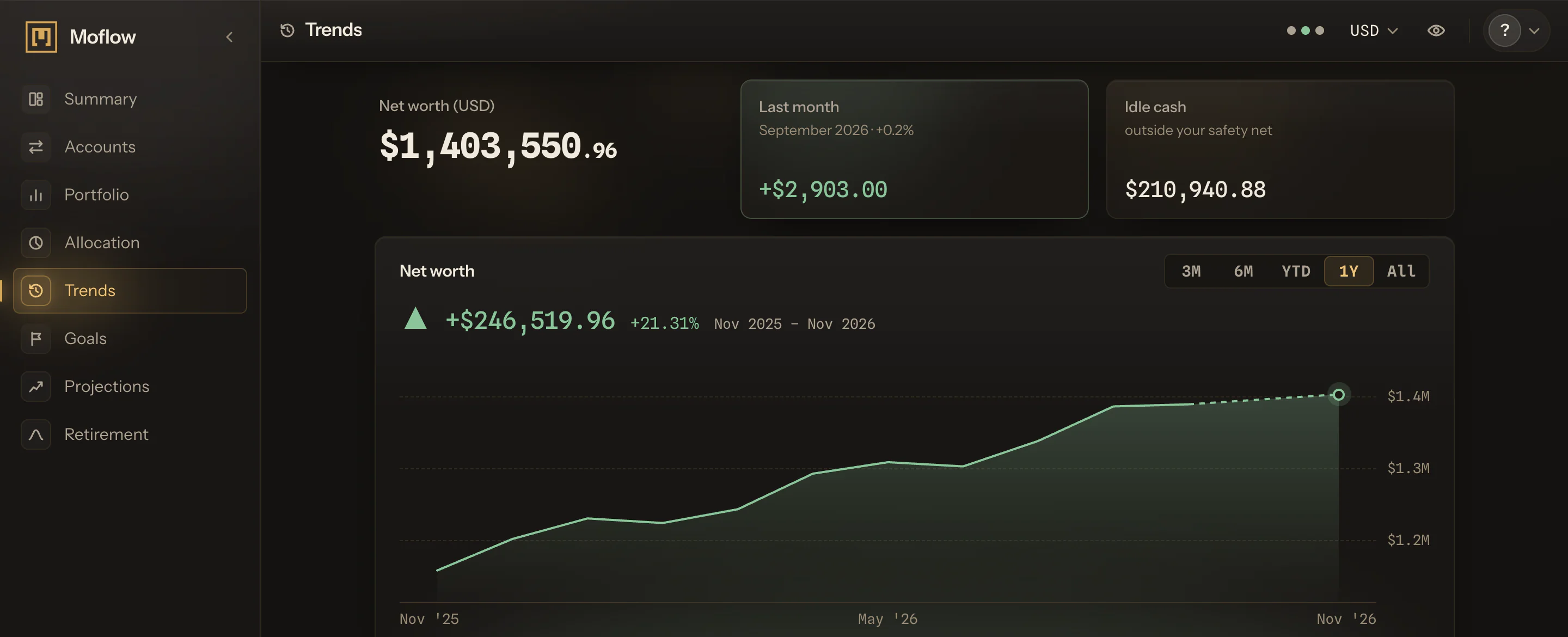
Every month you confirm, charted: the total, how it moved, and its asset classes.

Try Moflow+

Moflow+ · $199 per year

  1. How much your number rose or fell, one bar a month.

    A snapshot records your account balances for a month, converted at the exchange rates Moflow holds when it is captured. Read it over and confirm it, and the month joins your history.

    Leave it, and Moflow confirms it from the 8th of the next month. A confirmed month cannot be rewritten.

    Trends puts the confirmed months side by side, one bar for each, showing how much the total rose or fell from the month before. A month that fell is drawn below the line, so a run of rises and a single fall read at a glance.

    In the frame, a year of bars runs left to right, rises above the line and falls below it.

    The first confirmed month has no bar, because there is no month before it to compare with. A month you skipped leaves no hole in the arithmetic: the next bar measures from the last confirmed month.

    And an unconfirmed month adds no bar. Month by month, the chart becomes the record of how your wealth actually moved.

  2. Each month's assets, stacked class by class, cash at the base.

    The same months, split by asset class, with cash at the base and the other classes stacked above it. A month that rose because a property was revalued looks different from one that rose because cash came in, and the chart shows which it was.

    Each month is one column, cash at the bottom and the other classes stacked on top, so the column's height is that month's assets. Follow one class across the months, and a steady climb looks different from a single jump.

    The classes are the ones Allocation uses, from Cash & Equivalents to Equities, Fixed Income and Real Estate, so a class on this chart is a class you can set a target for. A single total becomes a story you can read: which part of what you own did the moving.

  3. The same charts, sized for your phone.

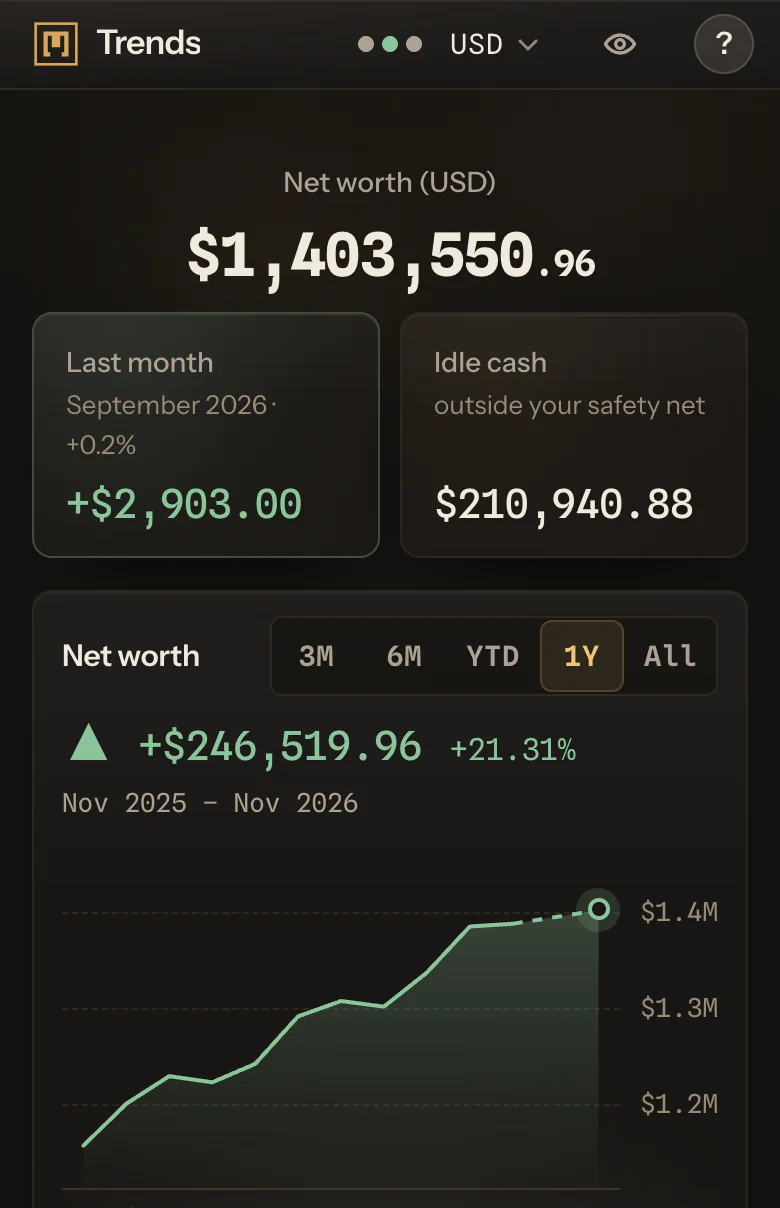
    Open Moflow in a phone's browser, and Trends draws the same months and the same classes for a narrow screen. Confirm a month on the phone, and it joins the chart like any other.

    The phone and the desktop read the same confirmed months, so a month confirmed on one shows on the other. The record is the same wherever you open it.

    Trends reaches back to your first confirmed month, including months confirmed before you moved to Moflow+.

Four snapshots, one per month, each confirmed when its month closed. None of these figures is typed into Trends; they come from the snapshots.

Four months, confirmed in Canadian dollars, read as three changes:

MonthNet worthChange from the month before
January140,000
February146,000+6,000 (+4.3%)
March143,000−3,000 (−2.1%)
April150,000+7,000 (+4.9%)

Trends draws three bars: two up and one down. Across the four months, the total rose 10,000 CAD, or 7.1%.

Suppose Equities fell in March while cash stayed level. The asset-class chart shows the Equities band thinner that month and the cash at its base unchanged, so the dip shows up in the class where it happened. On a phone, the same four months draw the same three bars.

The bars add up to the whole: 6,000, less 3,000, plus 7,000 is the 10,000 the total rose from January to April.

April's rise reads the same way. If 5,000 of its 7,000 came in as cash and 2,000 was Equities recovering, the cash at the base grows more than the Equities band above it.

A record of your account balances for one month, converted at the exchange rates Moflow holds when it was captured. Once it is confirmed, by you or by Moflow from the 8th of the next month, it joins your history.

A confirmed month cannot be rewritten.

Confirm a snapshot each month, and Trends charts the confirmed months: the total, the change from one month to the next, and the asset classes.

Each confirmed month adds a bar, and the chart grows with your history. There is nothing to type into the chart itself.

The asset-class chart shows where the change sat: a class that shrank, or cash that left. A month can also fall because a debt grew, or because the display currency rose against the currencies your accounts are in.

Moflow shows the figures; it does not say why a market moved.

To your first confirmed month. Months confirmed on Free are kept, and appear in Trends on Moflow+.

Each month keeps the figures it was confirmed with.

No. A confirmed month cannot be rewritten.

Until the 8th of the next month, a figure you keep by hand can be corrected before you confirm it.

The change in net worth from one confirmed month to the next, as an amount, and as a percentage when the month before was above zero.

A month that rose 6,000 from 140,000 grew 4.3%.

Trends, goals, projections and retirement, drawn from the same ledger.

Try Moflow+

Moflow+ · $199 per year